
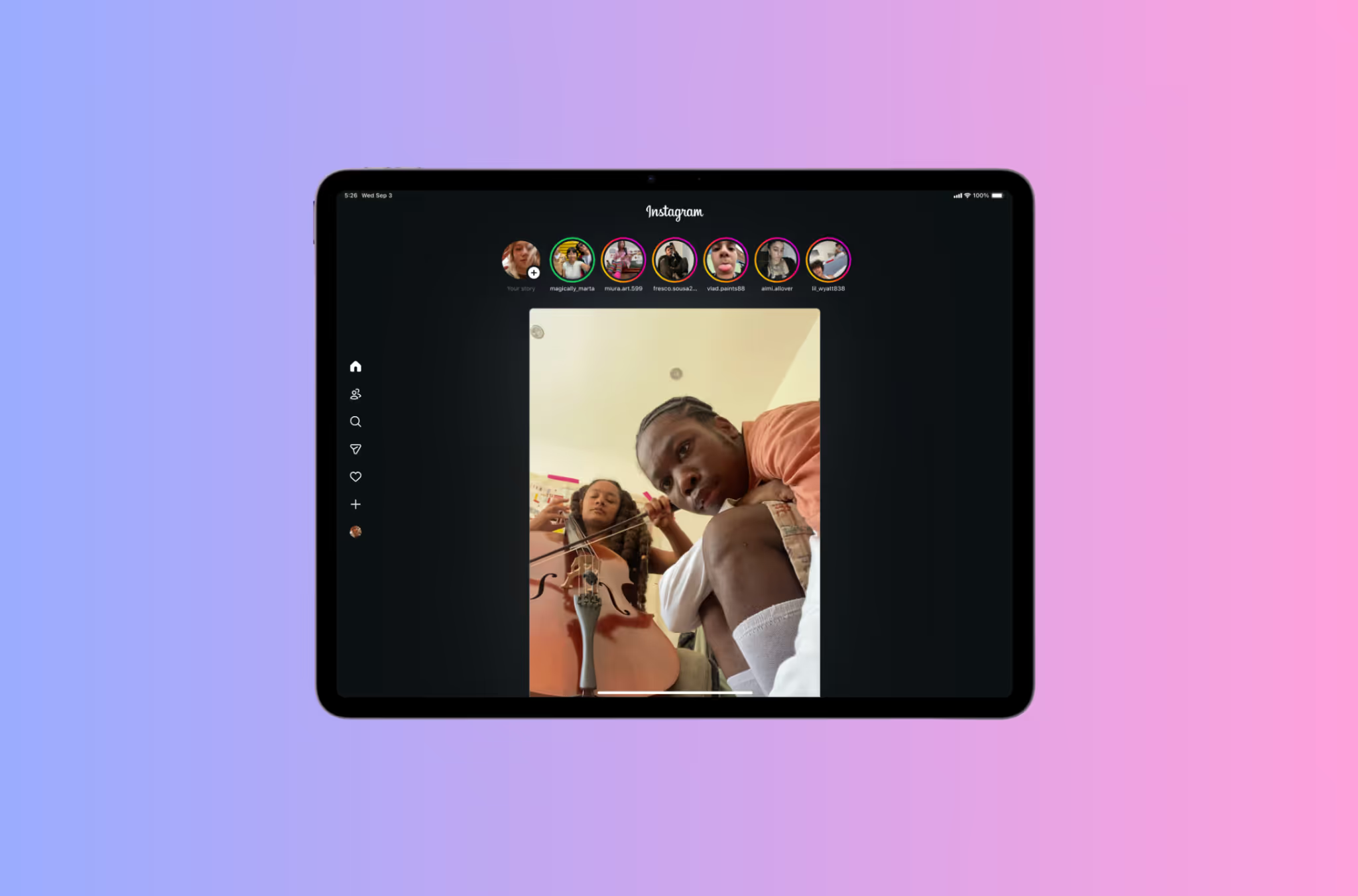
he new Instagram iPad app is here, full-screen, Reels-first, split-view DMs. Learn how to download it, fix login issues, post, call, and make it full screen on any iPad. Step-by-step guide for 2026.
Automate Comments and DMs in 5 Minutes
Someone comments on your IG post. They get a DM instantly. You do nothing.

Trusted by 10K+ creators and SMBs


TL;DR
TL;DR
If you’ve been asking “can Instagram be on iPad?” or “will Instagram make an iPad app?”, the answer is finally yes. Instagram launched a native iPad app globally, optimized for tablets:
Requirements: iPadOS 15.1 or later. Download Instagram for iPad from the App Store.
How to download Instagram iPad:
How to update Instagram iPad:
If you’re seeing Instagram on iPad not full screen or Instagram on iPad is small:
Older installs used the phone UI stretched on iPad. The 2025 release is native and resolves that.
How to post on Instagram iPad
How to call on Instagram iPad
How to dark mode Instagram iPad
Quick fixes:
If can’t add account Instagram iPad appears:
Instagram’s iPad push also arrives as the platform reports record audience reach, underscoring why a polished tablet experience matters for brands and creators.
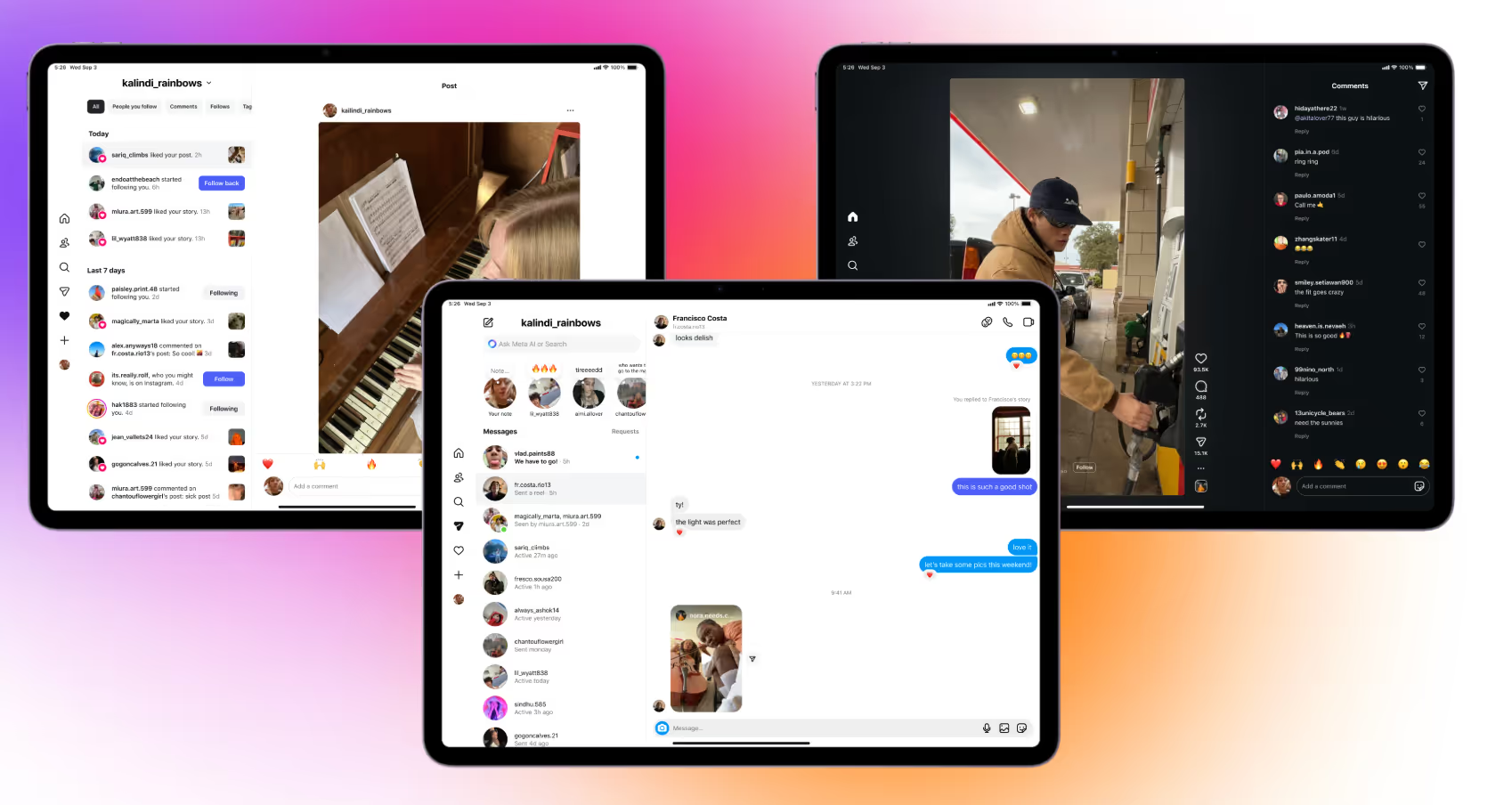
The split-view DM interface on iPad is the most significant feature for creators and brands, it means you can manage your entire Instagram inbox from a tablet with a desktop-like experience. Inbox on the left, conversation on the right, content creation running simultaneously.
The limitation: managing DMs manually at scale is still time-consuming regardless of screen size. The creators getting the most value from the iPad's larger interface are pairing it with comment-to-DM automation so the volume of incoming DMs is already pre-sorted, pre-tagged, and pre-responded to by the time they open the inbox.
The iPad workflow for creators using Inrō:
The result: the iPad becomes a proper Instagram management station, content creation, inbox management, and campaign review all in one place, with automation handling the volume so you only touch the conversations that matter.
Automate the volume so you only reply to conversations that need a personal touch.


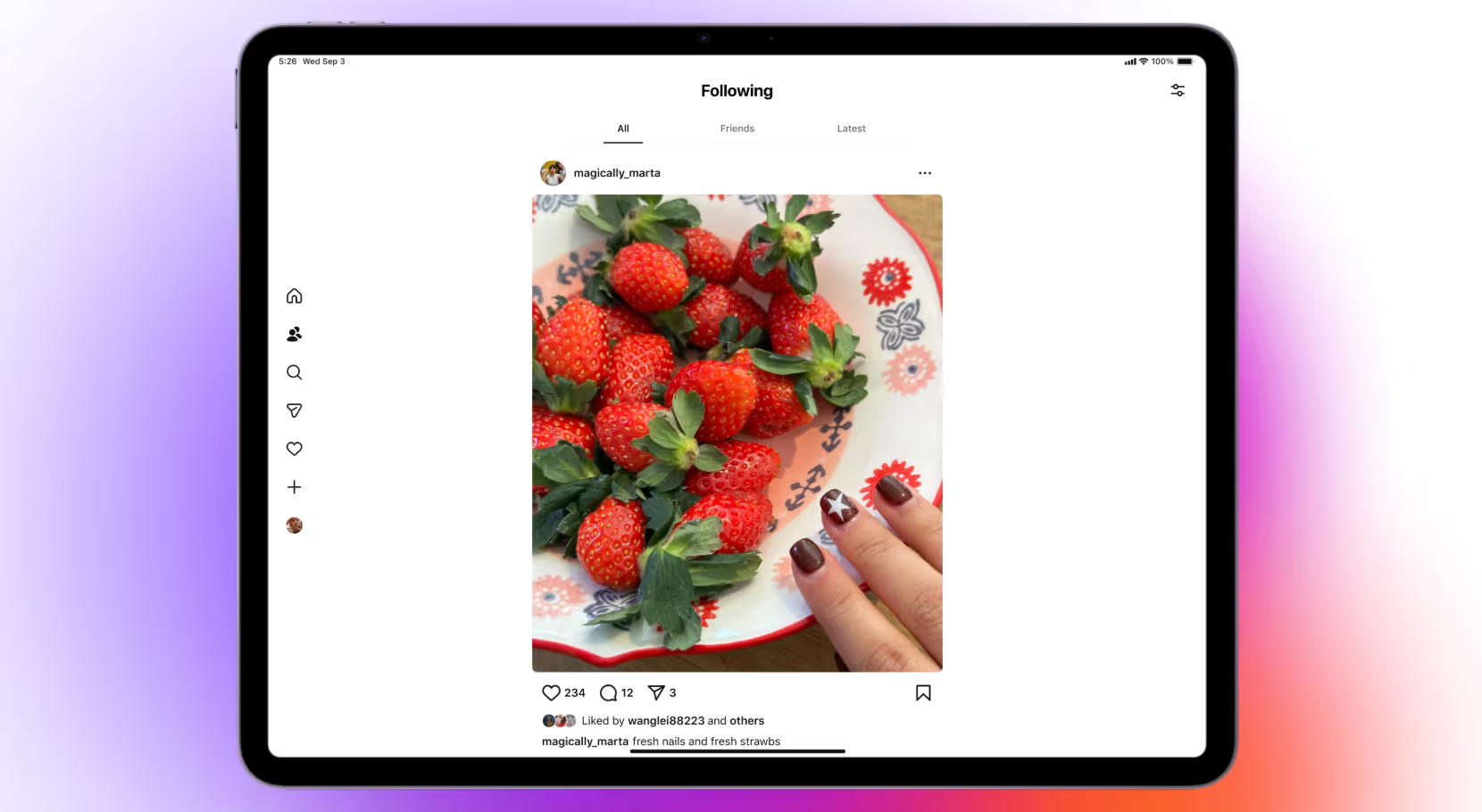
Yes. The Instagram for iPad app is now available worldwide for iPadOS 15.1+. It’s full-screen, with a new Following tab and Reels-first layout.
Yes, download Instagram for iPad from the App Store. If you previously had the phone UI, install the new iPad-optimized version.
Avoid sideloads. Use the App Store to ensure you get the official, secure build. (Queries like download Instagram for iPad without App Store are risky and not recommended.)
Yes, open a DM and tap the phone or camera icon to start voice/video calls (availability can vary by region/account).
Install the new iPad app, exit Split View, and use the app in full-screen. If instagram on iPad is not full screen, update the app and iPadOS.
You’re likely on an older phone-sized layout or low-res media. The 2025 iPad app fixes the layout; for blur, upload higher-quality source files.
Update the app and iPadOS, offload & reinstall, check network/2FA, then add the account via Settings & Privacy → Add account.
It’s here now, launched September 2025 and rolling out globally.
The new iPad app supports split-view DMs (inbox left, conversation right), full-screen Reels with simultaneous comments, and the Following tab with chronological Latest view. For creators managing a high volume of DMs, pairing the split-view inbox with comment-to-DM automation means the iPad becomes a proper Instagram management dashboard — automation handles incoming volume, you handle the conversations that need a personal response.
Yes — tap the + button in the left sidebar, select Reel, record or import from your Photos/Files library, edit with the full iPad canvas, add captions and hashtags, and publish. The larger screen makes the editing experience significantly better than on iPhone, especially for reviewing captions and checking safe zones before posting.
The iPad app supports iPadOS system keyboard shortcuts for navigation (switching tabs, opening search) when using an external keyboard or Magic Keyboard. For creators editing captions or writing longer DMs, the external keyboard + split-view DM interface makes iPad a genuinely productive Instagram management setup.
Join automations strategies and Instagram Insights weekly
By entering your email address above and clicking Subcribe, you consent to receive marketing communications (such as newsletters, blog posts, event invitations and new product updates), and targeted advertising from Inrō from time to time. You can unsubscribe from our marketing emails at anytime by clinking on the "Unsubscribe" link at the bottom of our emails. For more information about how we process personal information and what right you have on this respect, please see our Privacy Policy.
Attract more leads, target them with DM marketing, and automate your interactions on Instagram!

.png)
.png)
.png)